Mouse or Trackpad - Which Is Actually Worse for Your Wrists?
Quick Answer: A mouse keeps the wrist in a more neutral position but concentrates repetitive work in the fingers and forearm, and encourages a static, planted wrist. A trackpad requires more wrist deviation and sustained small movements but distributes the work differently. Neither is universally better. Alternating between them is more protective than optimising either one, because the real problem is doing the same thing all day.
There is no correct answer to mouse versus trackpad.
There is a correct answer to how long you should do either one without changing, and it is shorter than your workday.

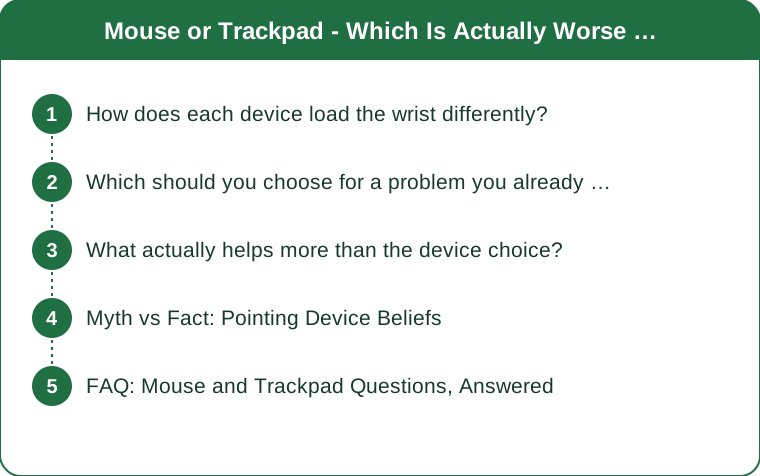
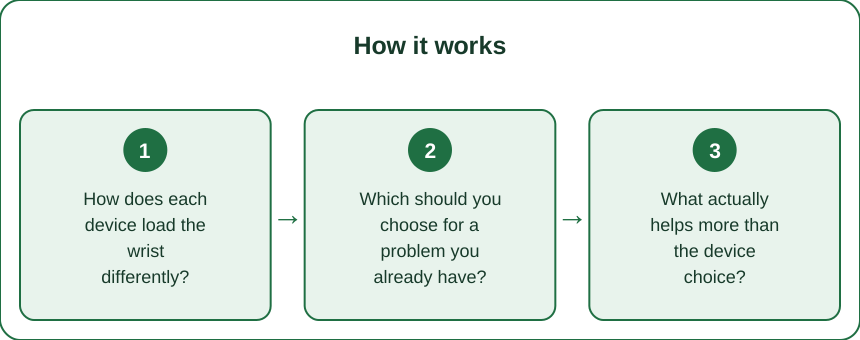
How does each device load the wrist differently?
In almost opposite ways, which is the useful part.
A mouse keeps the forearm relatively neutral but plants the wrist. Your hand rests, the wrist stays in one position for hours, and the movement comes from small finger and forearm actions. Static loading is the mouse’s characteristic cost - not big movements, but a sustained held position.
A standard flat mouse forces forearm rotation. Turning your palm to face down twists the two bones in your forearm, and holding that rotation all day is a real, sustained load. This is what vertical mice address, and it is a genuine effect rather than a marketing story.
A trackpad demands wrist deviation. Reaching to a trackpad usually means angling the wrist sideways or extending it, and sustained deviated positions are less comfortable than neutral ones. Laptop trackpad position is the underlying issue rather than the trackpad itself.
Trackpad gestures involve more finger extension. Multi-finger swipes and pinches use small muscles repetitively in a way mouse clicking does not. Different tissue, same repetitive problem.
Force differs too. Clicking a mouse button requires more force per action than tapping a trackpad, but trackpad users often press harder than necessary on non-haptic pads. Tap-to-click removes that entirely and is the single best trackpad setting change.
And the anchoring differs. Mouse users typically anchor the heel of the hand and pivot; trackpad users often float the hand or rest the wrist on a hard laptop edge. Resting a wrist on a hard edge is worse than either device’s inherent load.
Which should you choose for a problem you already have?
Match the device to where the discomfort is.
Forearm and outer elbow discomfort points toward the mouse setup. Sustained forearm rotation and gripping are associated with that region. A vertical mouse or a trackball reduces rotation substantially and is worth trying before anything else.
Wrist-crease and thumb-side discomfort points toward position and deviation. That suggests the pointing device is placed too far away or at the wrong height, forcing a deviated reach. Move the device closer before changing what it is.
Thumb discomfort specifically suggests a trackball or heavy scroll wheel use. Thumb-operated devices concentrate load on a joint that does not enjoy repetition. A finger-operated device distributes it better.
Finger and hand fatigue suggests click force and grip. A mouse that requires firm clicks, or gripping a mouse tightly, both produce this. Lighter clicks and a relaxed grip address it directly.
Position matters more than the device. The pointing device should sit at the same height as the keyboard, close enough that your upper arm hangs at your side. A device placed far right on a desk creates a reach that no amount of ergonomic shaping fixes.
And persistent numbness, tingling, or night-time symptoms is a different category. Those are not fixed by device choice and warrant proper assessment rather than another purchase. This is general information, not medical advice - see a doctor or physio if symptoms persist or wake you at night.

What actually helps more than the device choice?
Five changes that outperform any hardware decision.
Alternate between devices through the day. Switching between a mouse and a trackpad changes the loading pattern every few hours, which is exactly what repetitive strain responds to. Variation beats optimisation, and this is the highest-value change here.
Learn keyboard shortcuts for what you do most. Every action moved to the keyboard is one less pointing device repetition. This is the largest reduction in total load available to most desk workers and it costs nothing.
Fix the height and distance first. Keyboard and pointing device at elbow height, close to the body, with the upper arm relaxed at your side. Most desk discomfort is a geometry problem, not an equipment problem.
Stop resting your wrist on a hard edge. The front edge of a laptop or desk compresses the underside of the wrist, and hours of it are genuinely uncomfortable. A soft rest, or simply moving back, removes the pressure point.
Take micro-breaks. Thirty seconds of hand and wrist movement every half hour does more than most equipment changes. Set a timer if you will not remember, which you will not.
And check your mouse sensitivity. Low sensitivity means large arm movements and repeated repositioning; very high means tense fine control. A setting that lets you cross the screen without repositioning reduces total movement substantially.
Myth vs Fact: Pointing Device Beliefs
Myth: trackpads are worse for your wrists. Fact: they load differently rather than worse, and trackpad users have fewer forearm rotation issues. The comparison depends entirely on which structures are already complaining.
Myth: an ergonomic mouse fixes wrist pain. Fact: a better-shaped device helps when the shape was the problem, and does nothing when position, duration, or technique is the cause. Hardware cannot fix geometry.
Myth: gel wrist rests prevent problems. Fact: they help when used to support the heel of the hand between movements, and hurt when used as a pivot point you press into all day. How you use it determines whether it helps.
Myth: you should use your non-dominant hand to spread the load. Fact: it does spread load and is genuinely used as a strategy, but it takes weeks of clumsiness. It works and it is not a quick fix.
Myth: a vertical mouse is always better. Fact: it reduces forearm rotation and can increase grip effort, so it suits some problems and not others. Match it to the symptom, not to the reviews.
Myth: if it does not hurt, the setup is fine. Fact: repetitive strain accumulates for a long time before it announces itself. The setup to fix is the one you have now, not the one that has already started hurting.
FAQ: Mouse and Trackpad Questions, Answered
Is a trackball better than either?
For some people, particularly those with forearm rotation issues, because the hand stays still and the fingers or thumb do the work. Thumb-operated trackballs can create thumb problems, so finger-operated versions are usually the safer starting point.
How often should I switch devices?
Every couple of hours is a reasonable target, or simply switching for particular tasks. Any variation is better than none - the precise interval matters much less than the fact of changing.
Should I use tap-to-click?
Generally yes - it removes the click force entirely and reduces total effort noticeably over a day. It is the single best trackpad setting and it takes a day to adjust to.
TL;DR:
- A mouse keeps the wrist neutral but static, and a flat mouse holds your forearm rotated all day.
- A trackpad demands more wrist deviation but distributes the repetitive work differently.
- Match the device to your symptom: forearm and elbow points to the mouse, deviation points to position.
- Alternating between devices beats optimising either one - variation is what repetitive strain responds to.
- Keyboard shortcuts remove the most load of all, and height and distance matter more than the hardware.
Switch to your laptop trackpad for the afternoon this week and see how your forearm feels at five. The answer usually settles the debate for your particular hands.
Keep Reading
This article is for general informational purposes only and is not medical advice. Always consult a qualified health professional for guidance specific to you.